
Help Center
If you start on the Print tier and later want a live guest page, YourGuide supports a direct upgrade path to Hosted.
Upgrade flow
The dashboard presents the Hosted upgrade option when a guidebook is currently on the Print plan and already has a PDF.
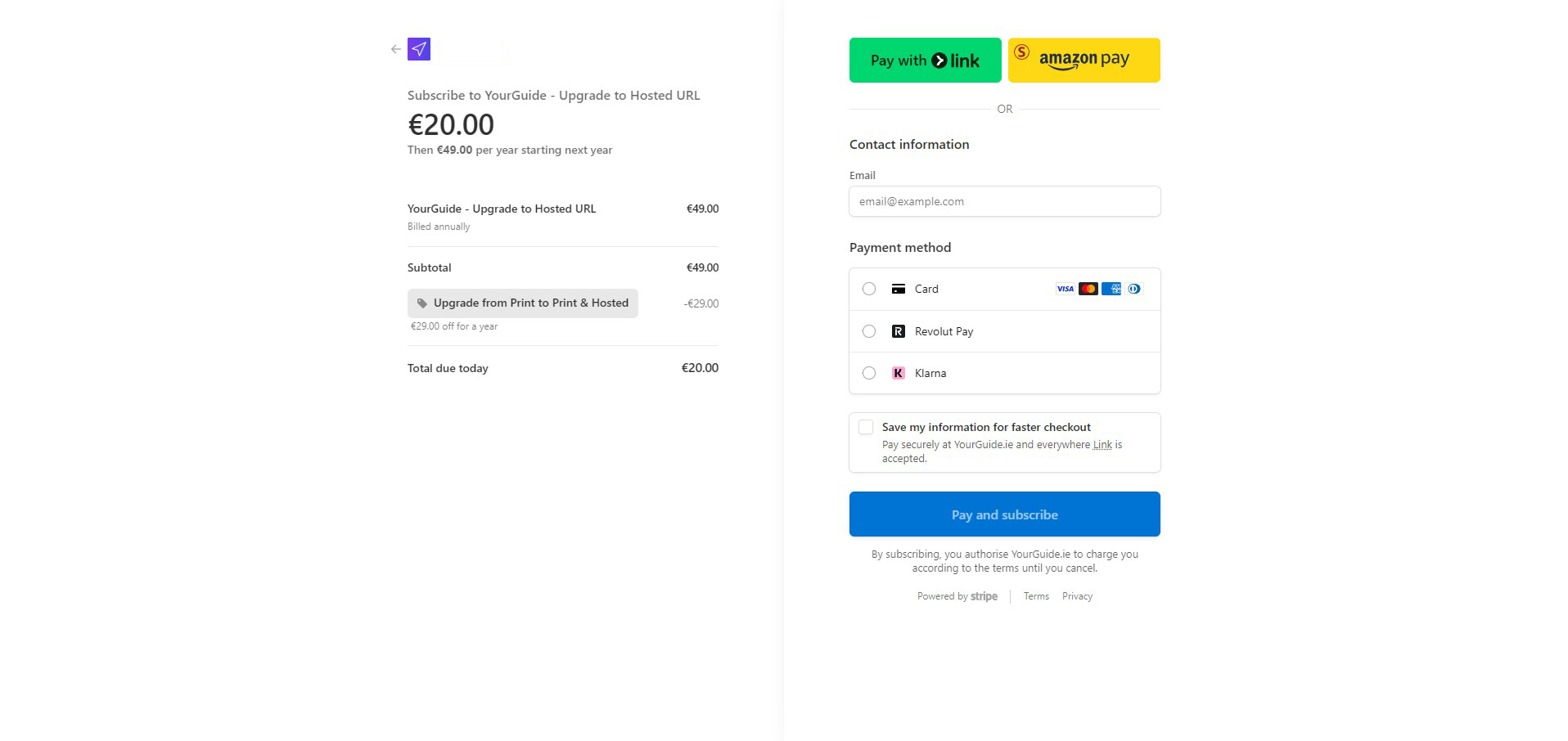
The upgrade is designed to be straightforward:
- Start the Hosted upgrade from the dashboard.
- Complete the checkout step.
- Return to the dashboard once the Hosted controls are active.
What changes after upgrading
After the upgrade completes, your guidebook gains:
- a live hosted guest URL
- the 4-digit PIN gate
- dashboard actions for viewing the page and rotating the PIN
- the same editor and PDF workflow you already use in the Print tier
When upgrading makes sense
Hosted is most useful when:
- your property details change over time
- you want to refresh information without reprinting
- you want guests to access practical details from their phone
- you need a controlled way to hide sensitive details until check-in time
If you want to see the final Hosted experience before upgrading, review the Hosted Guest View article.